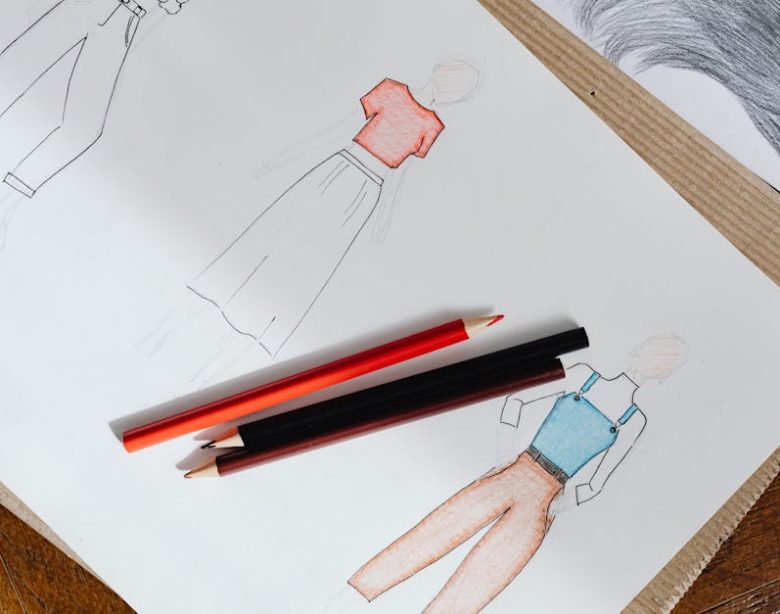
You’re staring at a stack of half-finished paper sketches, a cluttered desk, and a looming deadline. Eraser dust everywhere. Your design process feels stuck in the past, right? You know there has to be a better way to bring your fashion visions to life, faster and cleaner. You’re sketching on an iPad, but the app isn’t cutting it. It’s slow, lacks features, or just doesn’t feel intuitive.
It’s 2026. If your fashion design workflow still relies heavily on physical paper and pencils, you’re not just inefficient; you’re outdated. Digital tools aren’t just an alternative; they’re the standard. The right app on your iPad with an Apple Pencil can revolutionize how you visualize, iterate, and present your designs. But picking the right one? That’s where most people trip up. There are too many options, and most aren’t built for serious fashion work.
The Paper-to-Pixel Problem: Why Traditional Methods Fail Now
Let’s be blunt: paper and pencil slow you down. Revisions are a nightmare. You sketch a design, then the client wants a sleeve change. You redraw the whole thing. Or you try to erase, and the paper tears. Your portfolio becomes a pile of physical art that’s tough to share, edit, or archive efficiently. This isn’t just an inconvenience; it’s a bottleneck in a fast-moving industry.
Think about the practicalities. Physical sketches mean scanning, emailing, and hoping the colors translate. They lack the precision for technical flats and the dynamism for quick ideation. Digital tools offer layers, infinite undo, precise measurements, and a canvas that never runs out. You’re not just moving from analog to digital; you’re upgrading your entire creative pipeline.
Cost and Time Efficiency
The upfront cost of an iPad Pro and Apple Pencil feels steep to some. But compare it to the continuous expense of high-quality paper, markers, colored pencils, and specialized drawing tools. That adds up, fast. More importantly, consider the time saved. A digital sketch can be duplicated, altered, recolored, and sent to a client in minutes. Physical takes hours. Time is money, especially in fashion.
Collaboration and Accessibility
Sharing a physical sketch with a design team spread across different locations? You’re relying on photos or scans. The quality drops. The feedback loop is slow. With a digital file, you can share directly, collaborate in real-time on cloud-based platforms, and ensure everyone sees the exact same high-resolution image. It makes global teamwork genuinely possible, not just a buzzword.
Essential Features for a Serious Fashion Designer
Don’t just grab any drawing app. Fashion sketching has unique demands. Your chosen app needs specific tools to justify its spot on your iPad. If it doesn’t offer these, move on. Time is too valuable for compromises.
First, layer management. This is non-negotiable. You need to separate your croquis, garments, details, and colors onto different layers. This allows for non-destructive editing. Change a sleeve without redrawing the entire figure. Adjust a print without affecting the underlying fabric texture. Without robust layers, you’re back to square one with every major revision, wasting precious design time.
Next, brush customization. Standard brushes are fine for quick ideas, but fashion demands variety. You need brushes that can mimic fabric textures like silk, denim, wool, and leather. The ability to create or import custom brushes for stitches, lace, or specific textile patterns is crucial. An app with a comprehensive brush engine empowers you to add realistic detail and depth to your designs, making them stand out.
Vector vs. Raster Capabilities
Understand the difference. Raster apps (like Procreate) are pixel-based, great for painterly effects and textured illustrations. Vector apps (like Concepts or Affinity Designer) use mathematical paths, perfect for clean, scalable line art, technical flats, and patterns that need to be resized without pixelation. Many designers need both. Some apps offer hybrid solutions, but often you’ll find yourself needing to master at least one of each type for different stages of the design process. If your workflow includes precise pattern making, a vector-focused app is not optional.
Import/Export Options and File Compatibility
Your app isn’t an island. It needs to play nice with other software. Look for robust import and export options, particularly for formats like PSD (for Photoshop compatibility), AI (for Illustrator), PDF, and high-resolution JPEGs or PNGs. This ensures seamless integration with your wider design ecosystem, whether for printing, client presentations, or transferring files to pattern-making software. Lack of critical file support is a deal-breaker for professional work.
Top Contenders: Apps That Actually Deliver
Forget the freebies that promise everything and deliver nothing. For serious fashion sketching on iPad, you need professional-grade tools. These are the apps that consistently show up in top designers’ workflows, and for good reason. They’ve earned their reputation.
Procreate: The Creative Powerhouse
Procreate is the go-to for many illustrators, and fashion designers are no exception. Its brush engine is unparalleled. You can create or download thousands of custom brushes for everything from watercolor effects to realistic fabric textures. The intuitive interface means you spend less time fumbling and more time drawing. It’s raster-based, which means incredible organic feel and blending, perfect for expressive fashion illustrations and concept art. Priced around $12.99 (one-time purchase), it’s an absolute steal for the power it offers.
Adobe Fresco: Blending Raster and Vector
Adobe Fresco aims to give you the best of both worlds with its Live Brushes that realistically mimic oils and watercolors, combined with vector capabilities for clean line work. If you’re already entrenched in the Adobe ecosystem, Fresco integrates smoothly with Photoshop and Illustrator via Creative Cloud. This is a subscription model, typically part of a larger Adobe plan (starting around $9.99/month for a single app or more for the full suite), which might be a barrier if you’re not already a subscriber. Its strength lies in its hybrid approach, ideal for designers who need both expressive painting and scalable vector details.
Concepts: Precision Vector Sketching
For technical flats, accurate measurements, and scalable vector lines, Concepts is a standout. It’s an infinite canvas dream. You can sketch endlessly, refine lines with incredible precision, and scale your work up or down without any loss of quality. The tool wheel is highly customizable, and its snap tools are invaluable for creating perfectly symmetrical garments or precise pattern pieces. Concepts offers a free tier with basic features, but the Pro subscription (monthly or yearly, around $4.99/month or $29.99/year) unlocks critical features like layers, custom brushes, and advanced export options.
Procreate vs. Adobe Fresco: A Head-to-Head

When it comes to the raster art titans on iPad, Procreate and Adobe Fresco often face off. Both are powerful, but they cater to slightly different needs and preferences. Choosing between them usually comes down to workflow, budget, and integration with existing tools. There’s no single “best” here; it’s about what fits your design process.
Consider the key differences in their approach. Procreate champions a one-time purchase, offering an incredibly robust set of tools without ongoing fees. Its strength is in pure raster illustration, delivering an organic, natural drawing experience that feels almost like traditional media. Fresco, on the other hand, pushes the subscription model, but for that, you get tight integration with the wider Adobe Creative Cloud and the unique advantage of combining raster and vector drawing in a single canvas. This hybrid capability is its unique selling proposition.
Feature Comparison Table
| Feature | Procreate | Adobe Fresco |
|---|---|---|
| Pricing Model | One-time purchase (~$12.99) | Subscription (Creative Cloud, starting ~$9.99/month) |
| Core Focus | Raster illustration, painting | Hybrid (raster, vector, live brushes) |
| Brush Engine | Extremely customizable, vast community library | Excellent, realistic live media brushes, vector brushes |
| Layer Management | Robust, non-destructive, good blending modes | Robust, supports both raster and vector layers |
| Adobe Integration | Limited (PSD export/import) | Seamless (Creative Cloud sync, Photoshop/Illustrator) |
| Vector Capabilities | None natively (raster only) | Native vector brushes and layers |
| Target User | Illustrators, concept artists, anyone wanting traditional feel | Designers in Adobe ecosystem, mixed media artists |
For sheer creative freedom and a tactile drawing feel, Procreate wins. For those already in the Adobe world, or needing consistent vector precision alongside expressive raster, Fresco is the logical choice. Neither is bad; they’re just different. Pick based on your existing workflow and whether a subscription fits your budget.
The Underdogs: Niche Apps Worth Your Time
While Procreate and Adobe Fresco dominate, a few other apps offer specific advantages that make them invaluable for certain aspects of fashion design. Don’t overlook these; they can fill critical gaps in your digital toolkit, especially if you have very particular requirements beyond general illustration.
- Autodesk Sketchbook: This app is often overlooked but provides an excellent, intuitive drawing experience, especially for beginners or those transitioning from traditional sketching. It’s completely free, which is a massive plus. Sketchbook offers a clean interface, predictive stroke technology, and a decent range of brushes. While it lacks the advanced features of Procreate, it’s a fantastic starting point for basic fashion croquis and quick ideation without any financial commitment. It handles layers well and offers a comfortable, uncluttered canvas.
- Affinity Designer: If you’re serious about vector-based fashion flats, pattern creation, and graphic design for textiles, Affinity Designer is a powerful, professional-grade alternative to Adobe Illustrator. It’s a one-time purchase (around $16.99 for iPad) and offers both vector and raster workspaces within the same app. This means you can create crisp, scalable line art for technical drawings and then add raster textures or shading seamlessly. Its precision tools, robust pen tool, and comprehensive export options make it ideal for detailed garment construction drawings and repeating pattern development. The learning curve is steeper than Procreate, but the payoff for precision work is huge.
- Nomad Sculpt: This might seem unconventional for fashion sketching, but hear me out. For designers who work with 3D concepts, draping, or want to visualize garments on realistic body forms, Nomad Sculpt ($14.99 one-time purchase) allows you to sculpt human figures or customize existing bases. You can then sketch over these 3D models in other apps or even directly within Nomad’s painting tools. It’s a niche tool, but for advanced designers exploring 3D garment visualization, it’s a powerful companion app.
Final Verdict: Which App Owns the Runway?
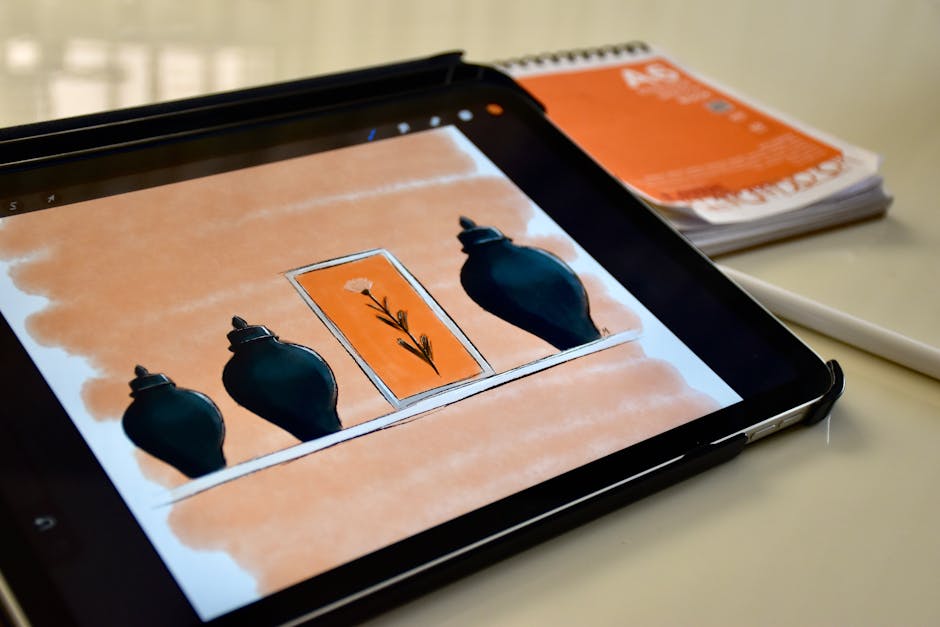
If you’re looking for a single app that can handle most fashion illustration tasks with an incredible natural feel, Procreate is still the champion. Its one-time cost and powerful brush engine make it an undeniable value. For designers needing specific vector capabilities or deep Adobe integration, you’ll need to look at alternatives or complement Procreate with another tool.
Your choice hinges on your specific workflow and budget. There’s no one-size-fits-all, but you can build a formidable digital studio by understanding what each app excels at. Don’t waste time on apps that aren’t designed for professional output.
Quick App Recommendations
- Best Overall (for most illustrators): Procreate
- Best for Adobe Users & Hybrid Work: Adobe Fresco
- Best for Technical Flats & Vector Precision: Concepts or Affinity Designer
- Best Free Starting Point: Autodesk Sketchbook
- For 3D Visualization: Nomad Sculpt (as a companion)